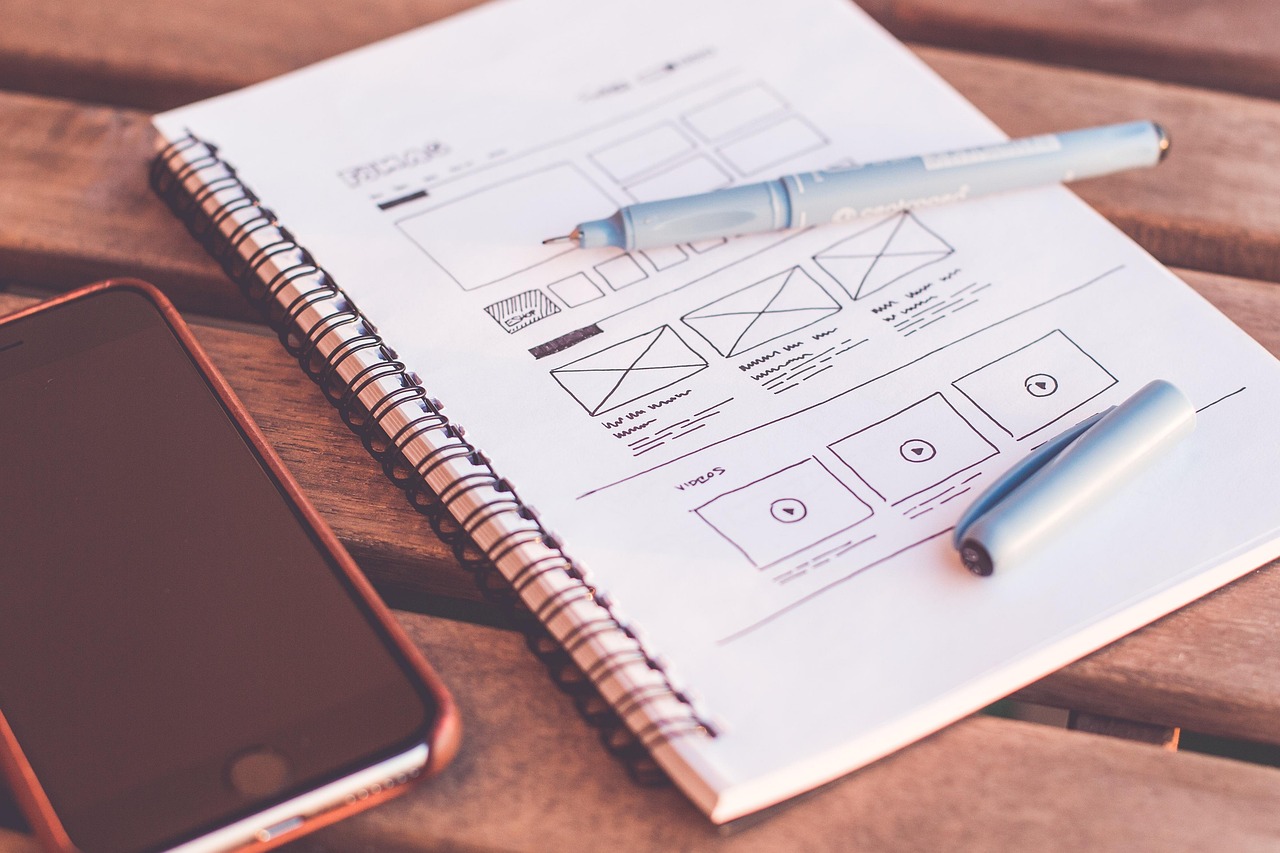
Mind Map, Flowchart, or Moodboard: Which One to Use?
Discover the visual and practical differences between mind maps, flowcharts, and moodboards to pick the right format for each phase of your creative project.


Every creative project starts with a spark, but trying to shape that idea using the wrong tool can stall your flow in minutes. Knowing how to switch seamlessly between a mind map, a flowchart, and a moodboard is the secret to turning mental clutter into an actionable plan without losing your creative drive along the way.
The trap of using the wrong format at the wrong time
When you sit down to start a project—whether it's a brand redesign, a storyboard outline, or a new product collection—your brain shifts through distinct stages. At times, all you need is free, unstructured expansion; at others, strict logic; and sometimes, all you're after is the visual tone and atmosphere of the final piece.
The most common pitfall for designers, illustrators, and creators is forcing a structure prematurely. Trying to build a step-by-step flowchart when the core ideas haven't even been explored leads straight to creative block. Likewise, pinning dozens of references onto a moodboard expecting project task lists to magically emerge only creates visual clutter. Each of these three visual frameworks answers a distinct question in your creative thinking process.
Mind maps: when you need to explore and branch out
A mind map is the ultimate radial thinking tool. It starts from a central hub—a keyword, a theme, a project name—and spreads organically into free-flowing branches and connections. There is no chronological constraint, no binary decision tree.
When to choose a mind map
- Initial ideation sessions: right after a project kicks off, when you want to brain-dump keywords, questions, and potential angles without worrying about timelines.
- Scope breakdown: when you need to see every moving part of a larger deliverable (like the modules of an online course or the key screens of an app).
- Thematic research organization: grouping related concepts, source materials, and creative notes into interconnected visual nodes.
What to avoid in a mind map
Don't rely on mind maps to document linear, conditional workflows. If your main question is "what happens if the client rejects this concept?", splitting that into scattered branches obscures the critical path and makes decision-making harder.

Flowcharts: when you need order, logic, and decisions
While a mind map expands in every direction, a flowchart channels and directs movement. It is strictly sequential and conditional. A flowchart's purpose isn't to brainstorm new ideas, but to map out the exact sequence of steps needed to reach an outcome, factoring in alternate paths.
When to choose a flowchart
- Process mapping and funnels: user navigation journeys in an app, client onboarding stages, or graphic design approval workflows.
- Branching logic (if / then): whenever a stage relies on a yes/no outcome or review milestone to move forward.
- Role handoffs and deadlines: when your team needs absolute clarity on who handles what, and which deliverable unblocks the next.
What to avoid in a flowchart
Steer clear of flowcharts during the initial discovery phase. The rigidity of connecting boxes with directional arrows can box in divergent thinking before you've even found your strongest concept.

Moodboards: when your project needs tone, aesthetics, and vibe
Words and arrows often fall short when trying to convey the look and feel of a design. A brief might describe an identity as "warm, minimal, and modern," but those words mean completely different things to different people. That's where a moodboard (or visual collage) comes in.
When to choose a moodboard
- Art direction alignment: establishing color palettes, textures, lighting, typography references, and photo styles before crafting the first final asset.
- Sensory communication with clients: clients without design terminology will immediately grasp your concept through the visual language gathered on the board.
- Defining a visual signature: when finding the right aesthetic atmosphere for a comic book, photo shoot, editorial spread, or illustration series.
What to avoid in a moodboard
Don't confuse a moodboard with an unorganized catch-all for random bookmarks. If your board is packed with disconnected imagery without curation or an intentional eye for contrast and harmony, it creates visual noise instead of clarity.
The best visual tool isn't the most intricate one—it's the one that answers the exact question your mind is asking right now.
Quick recap: the guiding question to ask yourself
To eliminate hesitation whenever you're staring at a blank canvas, pinpoint the exact question you're trying to solve:
- "What belongs here?" → Pick a mind map. You're looking for breadth, thematic links, and categorization.
- "How does this work, and in what order?" → Pick a flowchart. You need timeline structure, logical conditions, and progression steps.
- "What should this feel and look like?" → Pick a moodboard. You want to convey emotion, aesthetic tone, visual rhythm, and concrete references.
Bringing all three together seamlessly
In real-world projects, these three approaches rarely live in silos: the ideal workflow starts with exploring ideas in a mind map, pinning an adjacent moodboard to steer visual aesthetics, and setting up a flowchart to coordinate execution. With Mappum, you don't have to pick just one or bounce between separate apps.
On a single infinite canvas, you can connect conceptual nodes with arrows, drop image and GIF reference cards, sample color palettes from your favorite visuals with a click, and integrate to-do lists complete with due dates and assignees. If your workspace grows large, simply nest frames or group entire sections to collapse them with a single arrow, keeping your overview clutter-free and easy to navigate even on mobile.
Take the next step on your current project
Take a look at the project open on your desk or screen right now. If you're feeling stuck, identify whether you need more ideas (open a mind map), clearer aesthetic direction (curate a moodboard), or clarity on the immediate next steps (sketch a quick flowchart). Pick the right framework for today, unblock your thinking, and let your creative momentum take over.
Cover photo: 6689062 · Pixabay.