
Storyboarding on an Infinite Canvas: Plan Scenes with Freedom
Learn how to plan a dynamic storyboard on an infinite canvas. Structure scenes, framing, audio, and narrative pacing without traditional paper limits.

Coming up with an exciting idea for a video, animation, or ad is only the first step; the real challenge lies in turning that abstract vision into a clear, cohesive sequence. All too often, trying to cram initial sketches into rigid templates or numbered sheets of paper breaks your creative flow. Planning your storyboard on an infinite canvas gives you back the flexibility you need to explore framing, reorder scenes, and see your narrative as a living organism.
Why ditch rigid grids in your first draft?
Traditionally, storyboards start out as lined-up rectangular boxes, mimicking the printed page of a script. While this format works great for handing off the final deliverable to a technical crew, it often stifles the early ideation phase. If you need to insert a middle scene to tweak a transition's pacing, a static sheet forces you to erase, redraw, or tape on extra pieces of paper.
In the open space of a limitless canvas, your story isn't locked into a rigid order. You can sketch the climax first, jump back to draft the opening, and then experiment with pacing by adjusting the visual space between frames. This kind of freedom takes off the pressure of perfectionism and invites deeper visual experimentation.
- Instant bird's-eye view: You can zoom in to inspect a lighting detail and zoom out to check the emotional arc of the entire sequence.
- Room for references right next to the action: Location photos, color palettes, voiceover notes, and costume refs can sit right beside each frame without cluttering the main sequence.
- Effortless reordering: Moving a scene from the end to the middle is as simple as selecting and dragging, keeping your train of thought completely intact.

The four key building blocks for every scene
A simple storyboard doesn't need to be a detailed work of art. Its primary job is to serve as a communication roadmap between creators, stakeholders, and the production team. To keep your planning clear, each scene drawn or assembled on the canvas should cover four basic details:
1. Visual framing
This is the drawing itself or a collage of reference images. Show who is in the shot and what the composition looks like: close-up, wide shot, or extreme detail. Whether you draw by hand or use supporting images, focus on character silhouettes and sightlines.
2. Character action and intent
Right below or beside the visual, summarize what happens in a single sentence. For example: "The protagonist notices the open door and hesitates before stepping inside." This brief description eliminates visual ambiguity and guides the camera or animation crew.
3. Camera movement and transitions
Clearly indicate whether the camera stays locked, pans right, slowly zooms in, or if the scene transitions with a hard cut or dissolve. Simple arrows drawn over the image or concise notes are all it takes to communicate camera direction.
4. Sound design (audio and music)
How a scene's pacing feels depends heavily on audio. Jot down dialogue lines, key sound effects (like a car horn or footsteps on wood), and the musical tone for that specific moment.
A great storyboard doesn't require flawless artwork; it requires absolute clarity about what the viewer should feel second by second.
Step by step: Structuring your story in an open space
Whether you're planning a 30-second social media clip or a conceptual short film, building a smooth visual flow is much easier when you break it down into progressive steps:
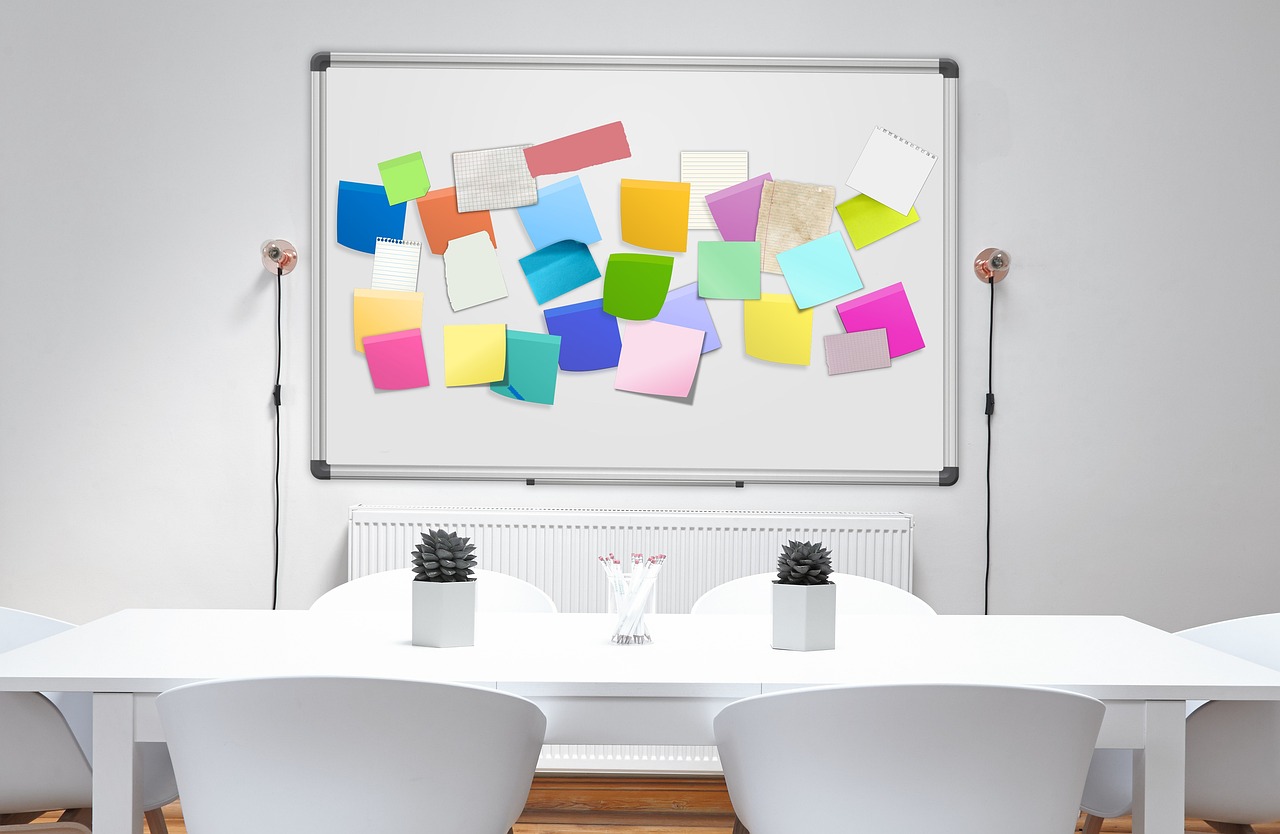
- Map out key story beats: Start by dropping sticky notes or cards for the essential beats—the hook, core conflict, turning point, and resolution. Lay these milestones across the canvas linearly or in whatever layout works best for your process.
- Connect the narrative flow: Use arrows or connectors to establish the main timeline. This makes it easy to spot logical leaps or notice if your intro drags on relative to the climax.
- Add matching visuals: Use quick freehand sketches, curated reference photos, or even animated GIFs to test motion and momentum before moving on to polished artwork.
- Group scenes into sequences: Use frames or sections to group acts, timeframes, or distinct locations (e.g., "Scene 1: Office," "Scene 2: Street"). This isolates contexts and helps organize production by environment.
Using connectors and visual branching
Stories don't always follow a linear path. For projects like interactive narratives, ad variations for A/B testing, or educational videos with multiple paths, an infinite canvas really shines.
You can set down a central decision point and branch out into two or three paths on the exact same board. This eliminates the headache of juggling multiple files or duplicate documents. Everything stays in context, making it effortless for clients and reviewers to see where each variation splits and resolves.
Start your storyboard right on an infinite canvas using freehand drawing to sketch quick shots, or add images and animated GIFs to test scene motion. Link frames with arrows to build your narrative flow, and use nested frames to separate script acts. Beside each scene, add explanatory notes or task checklists complete with due dates and assignees for production needs. When it's time for review, share the board with your team using custom edit or view permissions, and export the finished storyboard as a PDF, PNG, or JPG to bring straight to set.
Presenting and approving your storyboard
Once your visual planning is locked in, your storyboard becomes the ultimate alignment tool for clients or production partners. Instead of emailing dozens of loose attachments, presenting the entire narrative flow on a single shared board keeps the walkthrough smooth and intuitive.
During the review, walk through the canvas from start to finish, explaining the intention behind every cut. If someone suggests cutting a scene or swapping two shots, you can demonstrate the change live by dragging elements across the board. This saves days of re-shoots or re-renders, ensuring everyone visualizes the exact same video before a single camera starts rolling.
To get started right away, pick a project you've been turning over in your head, open up a blank board, and sketch out the first three main frames. Getting scenes out of your mind and onto the canvas is the fastest way to make them happen.
Cover photo: fietzfotos · Pixabay.