How to build a mind map to organize your creative projects
Learn how to structure loose ideas and turn complex creative projects into a clear visual plan using an infinite canvas mind map.


Anyone who works in creative fields knows that the hardest part of a project isn't the execution—it's giving shape to that swirling cloud of loose ideas taking up space in your head. When everything feels equally important all at once, a visual mind map acts as the anchor you need to get your creative process moving.
1. The center of it all: defining your project's core
Every great mind map starts with a single focal point right in the middle of the infinite canvas. For a creative project—whether it's a visual identity, a complex illustration, or a personal campaign—this center should be your ultimate goal or main concept.
- Avoid long sentences; use two to four words that capture the essence.
- Drop a reference image or an animated GIF right next to the central title to set an immediate visual tone.
- Leave plenty of empty space around it: you'll need room to breathe as you expand the main branches.
2. Sprouting the first branches: categorizing the chaos
Once you've defined the core, it's time to build out the major fronts of your project. Think of these branches as the pillars supporting your creation. In brand design, for example, your branches might be: target audience, visual references, color palette, typography, and schedule.
At this stage, don't worry about the exact order or perfect hierarchy. The secret is to dump everything that comes to mind, using colorful notes, geometric shapes, and connectors to link your thoughts freely.
Initial chaos isn't a flaw in your creative process; it's simply raw material waiting to be organized.

3. Filling in the details with notes, references, and textures
A creative mind map isn't built on words alone. For it to be genuinely useful in your day-to-day work, it needs to be packed with visual and practical inputs.
- Images and links: Paste website clippings, inspiration photos, and article links that fuel the project's repertoire.
- Freehand sketching: Use hand-drawn strokes to highlight central ideas or sketch quick layout concepts.
- Spreadsheets and lists: Insert small tracking tables or add to-do lists with deadlines and assignees directly onto the map's branches, turning inspiration straight into action.
4. Zooming out: the panoramic view of the project
Once you've mapped out references, tasks, and concepts, zoom out on the canvas. That's when the magic happens: you get to see the project as a whole, spotting any bottlenecks, excess clutter, or missing steps vital to the launch.
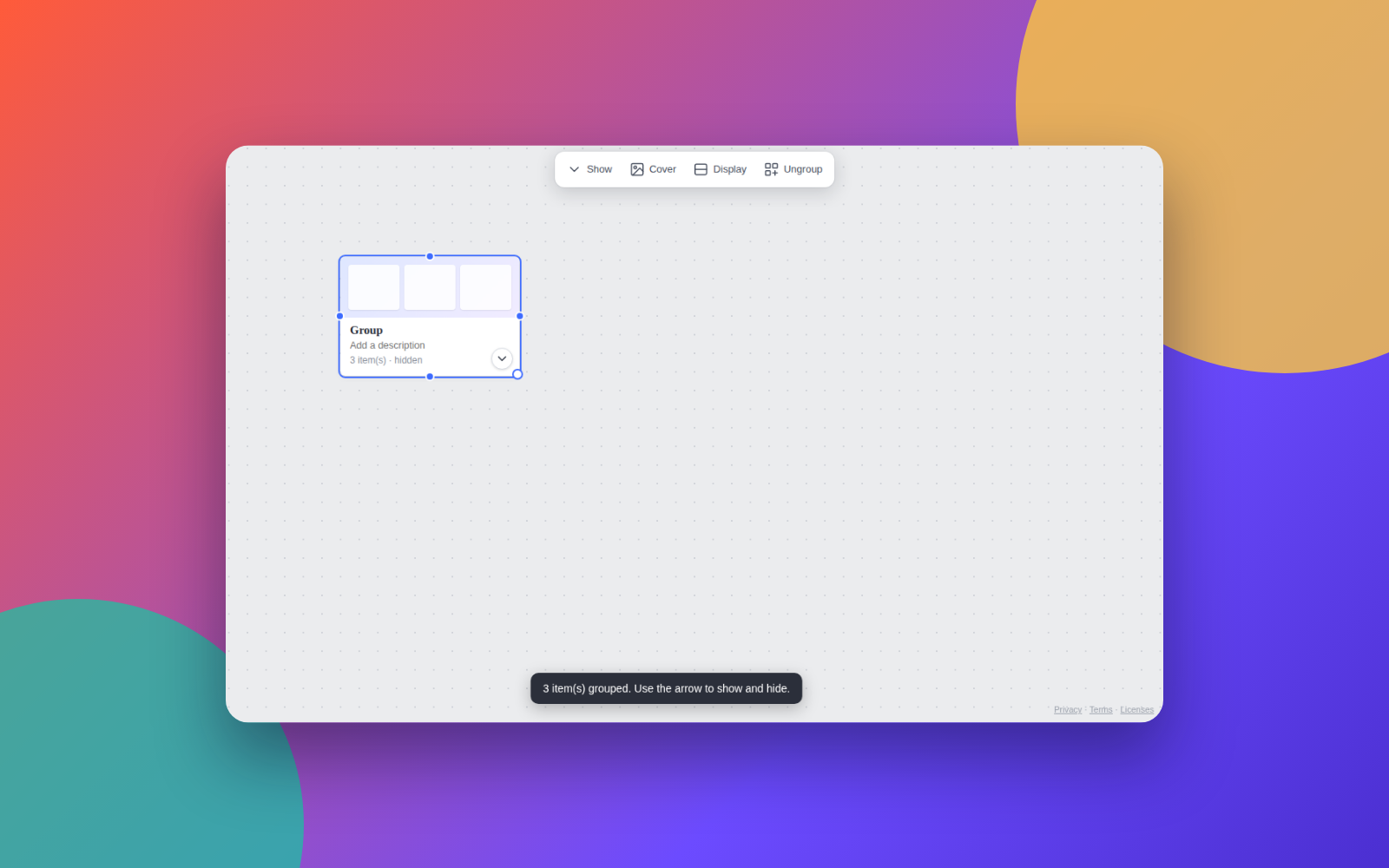
To keep your workspace clean as the map grows, try grouping related items inside custom frames and use visual tools to collapse entire blocks when you want to focus on just one specific area.
5. Sharing and evolving with your team
Creative projects rarely happen in isolation. Once the basic structure of the mind map is in place, the next step is to invite collaborators, reviewers, or clients to join forces.
Setting clear access roles—whether allowing others to edit branches or just view the ideas—keeps your brainstorming productive and organized, ensuring no one accidentally deletes something important.
Next practical step
Open Mappum right now without signing up, create a central circle with the name of your next creative project, and pull out the first three branches with the most urgent tasks bouncing around in your head.
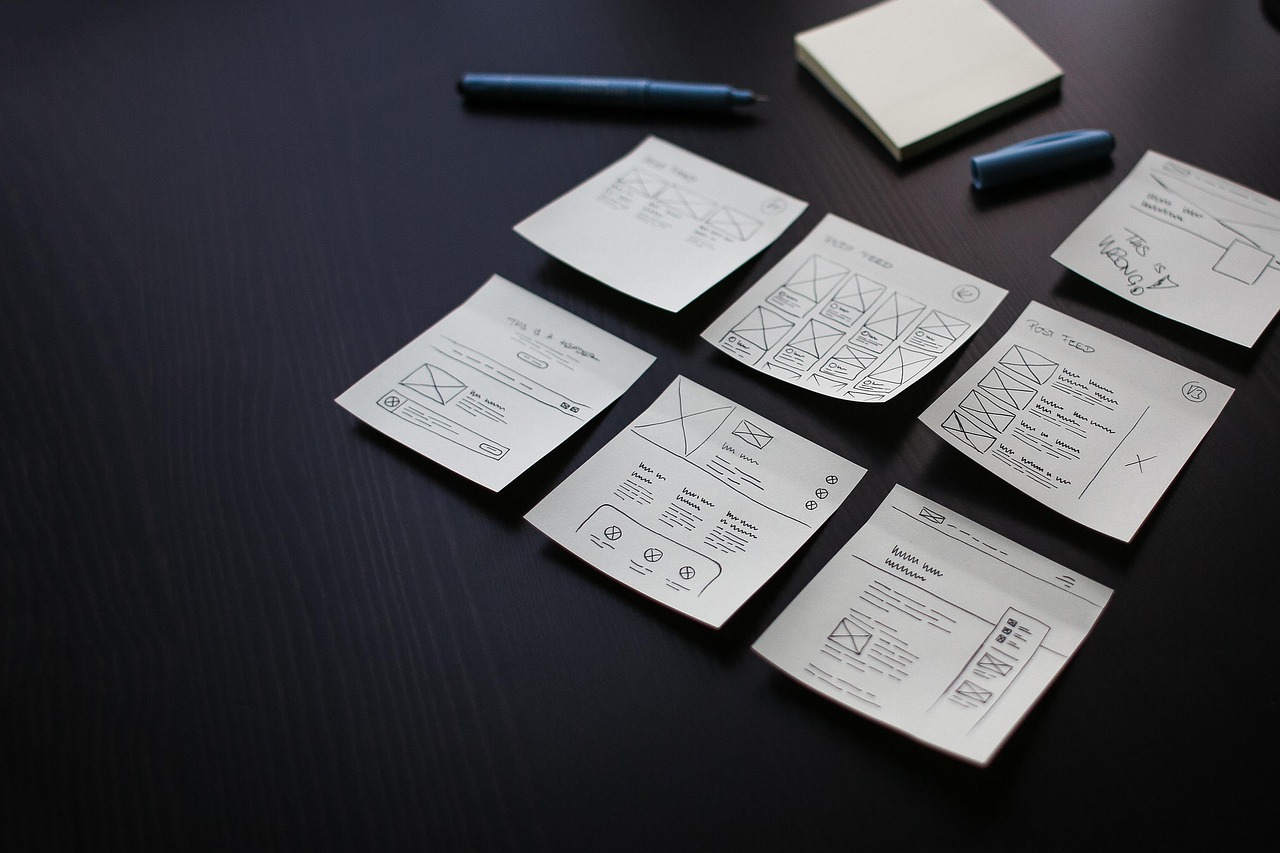
Cover photo: 27707 · Pixabay.