
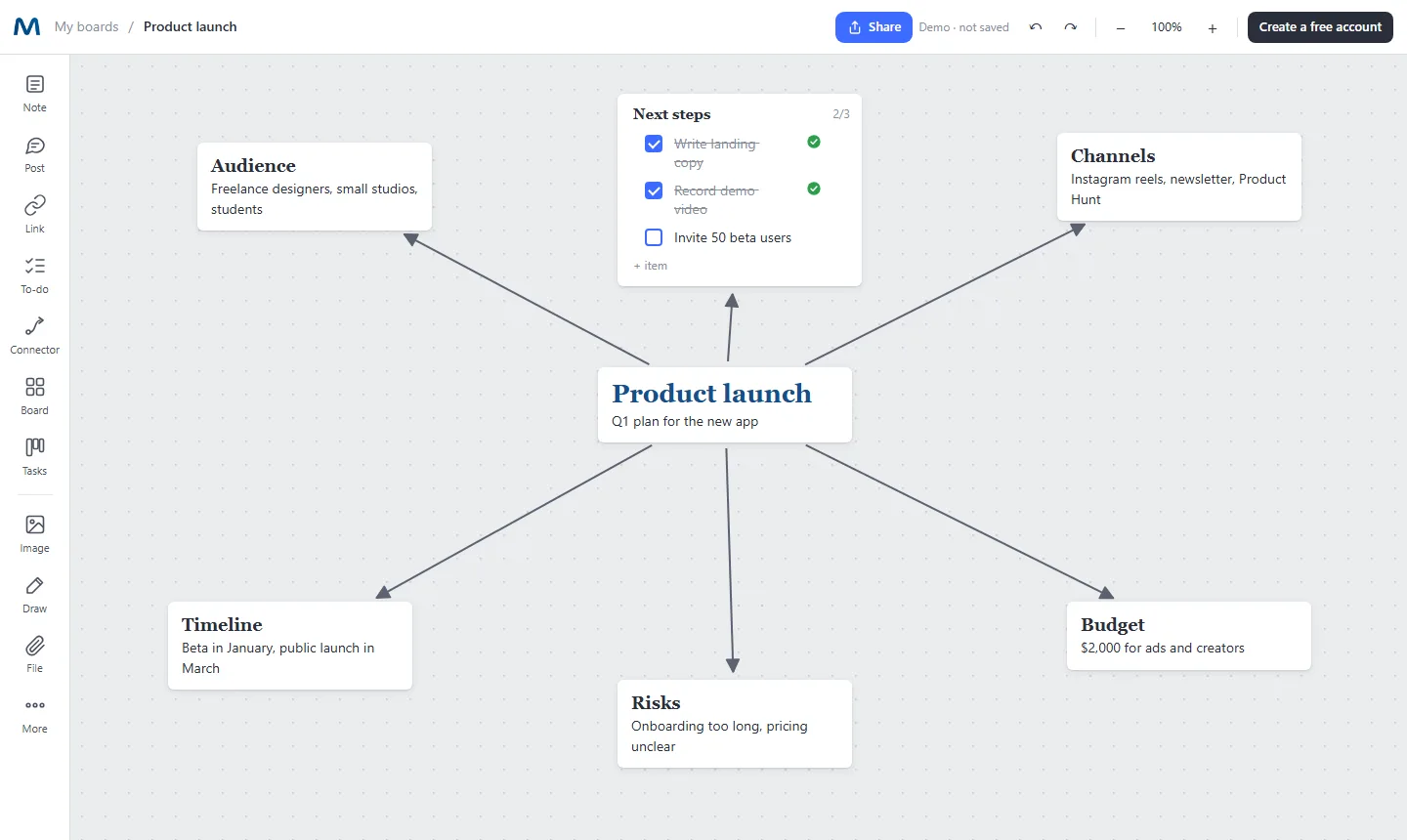
Why make your mind map on an infinite canvas
Classic mind map tools force every idea into a node with a few words. Real projects need more: a reference image, a link to a document, a checklist of next steps, a small budget table. In Mappum each branch can be any kind of card, and the lines follow when you move them.
Branch in any direction
Drag from the blue dots of one card to another to connect them. Lines can be straight, curved or angled, with arrows where you want them.
Rich notes, not just labels
Headings, bold, italic, colors and highlights inside each note. Write a sentence or a full paragraph.
Mix every kind of content
Images, links with previews, PDFs, to-do lists with progress, and spreadsheets with formulas, all on the same map.
Zoom from big picture to detail
Put a board inside a card and click to go one level deeper. Keep the main map clean and the details one click away.
Share and think together
Invite people by email and choose who can edit. You see their cursor and name live on the board.
Export when you are done
Download the whole map as PDF, PNG or JPG to send to a client or print.
How to make a mind map in Mappum
- Write the central idea. Double-click the canvas to create a note and give it a heading.
- Add the main branches. Create a note for each topic around it and connect them to the center.
- Go deeper. Add details, images and links next to each branch, or open a board inside a card for a sub-map.
- Turn ideas into action. Add a checklist with next steps and track progress as you tick items.
Mind map ideas you can start today
Plan a product launch, outline an essay or a thesis, map a client brief, organize a study topic before an exam, prepare a meeting agenda, or brainstorm names for a new brand. If you are not sure a mind map is the right format, read mind map, flowchart or moodboard: which one to use.